
A simpler way to check whether furniture fits
RoomFitPlanner was built for a very common moment: you know the dimensions of the room and the furniture, but you still cannot confidently tell whether the layout will work.
The planner turns those measurements into a top-view layout so you can arrange the furniture, keep the door and window in view, and check the space that remains without building a full 3D design.
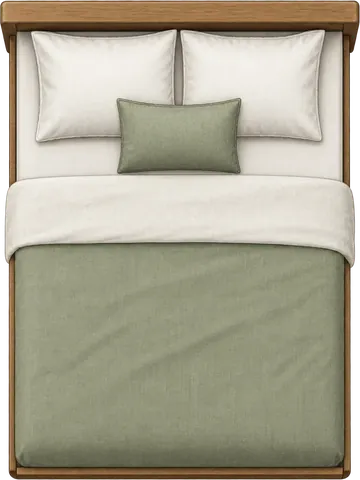
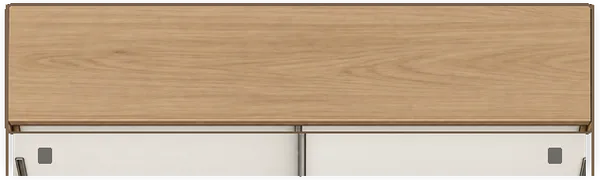
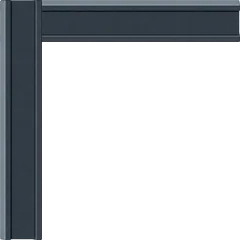
Use the measurements from your room and furniture.
Match the door swing and window position.
See measured gaps instead of estimating them.
Furniture can fit on paper and still be wrong for the room
The hard part is turning separate measurements into one usable room. A bed, desk, and wardrobe can all fit individually and still create a layout you would regret once everything is inside.
Measurements alone are hard to picture
A product page can tell you the width and length of a bed, desk, or wardrobe. It still does not show how those pieces will feel together inside your room.
Fitting inside the walls is only the first check
Furniture can technically fit and still leave awkward gaps, overlap another piece, or make the room harder to use day to day.
Doors and windows affect where furniture can go
A useful layout has to reflect the real room, including the door swing and window position, rather than treating the room as an empty rectangle.
Get the answer without building a design project
If you are deciding whether a bed fits, where a desk can go, or whether a new wardrobe leaves enough space, you should not need to model an entire room in 3D first. RoomFitPlanner stays focused on that practical decision.
Use the measurements you actually have
Enter room and furniture dimensions in metric or imperial units so the layout starts from your space rather than a generic example.
Keep every furniture choice flexible
Move, rotate, resize, add, or remove items so you can test what you own now or what you are thinking about buying.
Make the remaining space visible
Use Around bed or All gaps to see measured clearances instead of judging the layout by eye.
Keep the real room in view
Furniture overlaps are visible while the door swing and window position stay on the plan, helping you catch placements that look fine on dimensions alone.
Two ways to start
Use your own room measurements from the beginning, or open a bedroom size and adjust the setup from there.
Bedroom Planner
Enter the exact width and length of your bedroom, match the door and window, then arrange and resize the furniture you need to test.
Bedroom Layouts
Start from a bedroom size, load a furniture arrangement, and then change the dimensions and positions to match your space.
Have furniture dimensions already?
Put them into your room before you order, move, or rearrange anything. You can start immediately in the browser.